

 JAPAN
JAPAN
 USA
USA Canada
 Australia
 New Zealand
 UK
UK Europe
 India
India Singapore
 UAE
UAE South Korea
DX2デュアル4Kディスプレイユニバーサルドッキングステーション-100W電源供給


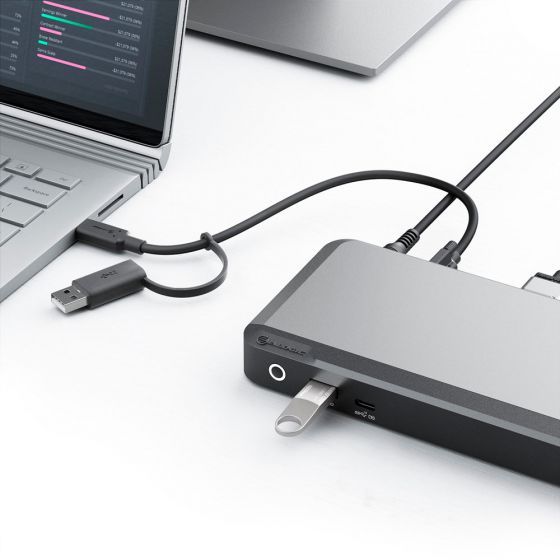
DX2デュアル4Kディスプレイユニバーサルドッキングステーション-100W電源供給
DX2デュアル4Kディスプレイユニバーサルドッキングステーション-100W電源供給
通常価格
¥41,999
販売価格
¥41,999
通常価格
受け取り可能状況を読み込めませんでした
仕様
仕様

没入型デュアル4K
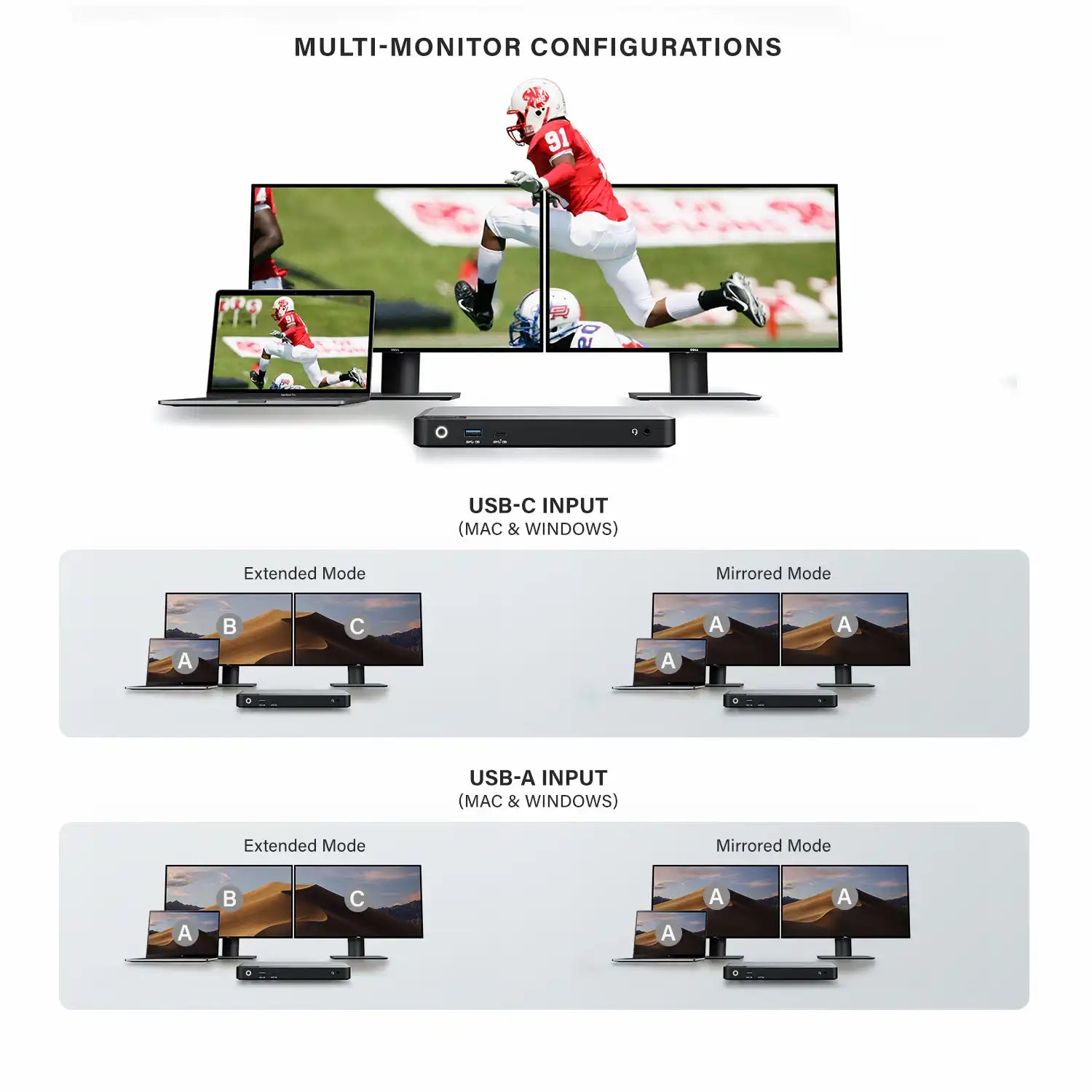
時々、より多くのスクリーンの不動産が必要です。 DX2は、Twin DisplayPort出力を介して最大4Kの解像度で最大2つの外部ディスプレイを接続できます。 複数の画面で大きなスプレッドシートを表示する必要がある場合でも、デザインを比較し、データを入力するなど、DX2は画面上でより多くの作業を見るのに最適な方法であり、画面でより多くの作業を行うのに最適な方法です。

ラップトップを充電してください
多くのことが起こっているときは、DX2も進行しています。最大100Wのパワーでラップトップを高速に充電し、最大2つのディスプレイをサポートします。 イーサネット、オーディオ/マイクジャック、USBアクセサリなど、標準的な周辺機器の接続性を提供します。すべて同時に。
ユニバーサルドック
DX2ドッキングステーションは、Windows、Mac、Chromebookコンピューター、ラップトップ間で普遍的な互換性を提供します。最新のUSB-C装備または古いUSB-Aコンピューターを接続できるようにする、 このドックにより、ITの専門家や組織は、すべてのユーザーにわたって単一のソリューションとしてDX2ドッキングステーションを展開できます。 DX2ドックは、乱雑さを取り除き、あらゆるワークスペース環境でホットデスクアレンジメントを強化するのに役立ちます。


Frequently Asked Questions
一般的な
ALOGIC DX2 ドッキング ステーションは最大どれくらいのビデオ解像度をサポートしていますか?
ALOGIC DX2 ドッキング ステーションは、ツイン DisplayPort 1.4 出力を通じてデュアル 4K @ 60Hz 外部ディスプレイを同時にサポートし、Windows PC と MacBook の両方で高解像度のマルチモニター デスクトップ セットアップを可能にします。
DX2 ドックを使用して、ベース M1、M2、および M3 MacBook でデュアル拡張 4K モニターを実行できますか?
はい。 Base M1、M2、および M3 MacBook は、外部ディスプレイ出力を標準 USB-C を介した 1 つの画面にネイティブに制限します。 ALOGIC DX2 ドックは統合 DisplayLink テクノロジーを利用しているため、無料の DisplayLink ドライバーをインストールすると、ベースの Apple Silicon MacBook で 2 つの拡張 4K @ 60Hz ディスプレイを駆動できるようになります。
ALOGIC DX2 ドックには電源が付属していますか? また、どのくらいの電力を供給しますか?
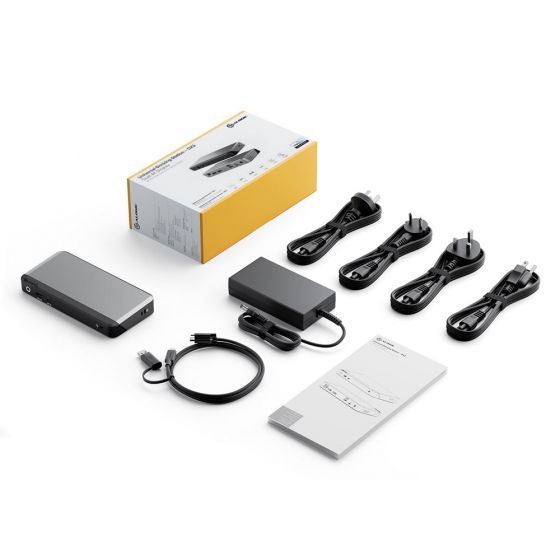
はい。 ALOGIC DX2 には、ホスト USB-C ケーブル経由で最大 100W の電力供給 (PD) を提供する専用の外部電源アダプタが含まれています。これにより、接続されているすべての周辺機器に電力を供給しながら、13 インチ、14 インチ、16 インチのラップトップ (MacBook Pro、Dell XPS、Lenovo ThinkPad、HP Spectre など) を急速充電するのに十分な電力が供給されます。
USB-A ポートのみを備えた古いラップトップで DX2 ドックを使用できますか?
はい。ドックには、レガシー ラップトップ用の USB-C - USB-A アダプターが含まれています。 DisplayLink テクノロジーにより、USB-A 経由でデュアル 4K ディスプレイ出力とフルポート拡張が可能になります。ただし、Power Delivery を介したホスト ラップトップの充電は、USB-A 接続では利用できません。
DX2 ドッキング ステーションを使用するにはソフトウェアまたはドライバーをインストールする必要がありますか?
はい。 macOS、Windows、ChromeOS でデュアル 4K ディスプレイ出力を有効にするには、無料の Synaptics DisplayLink ドライバーをダウンロードしてインストールする必要があります。周辺機器データ ポート、イーサネット、およびオーディオ ジャックは、ドライバーを追加しなくても機能します。
ALOGIC DX2 ドッキング ステーションにはどのようなポートが組み込まれていますか?
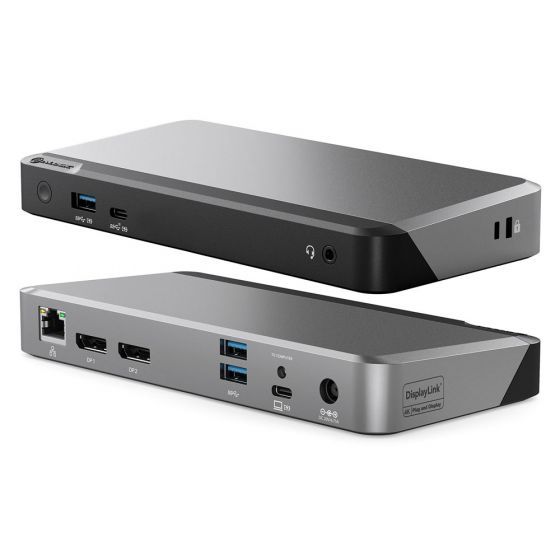
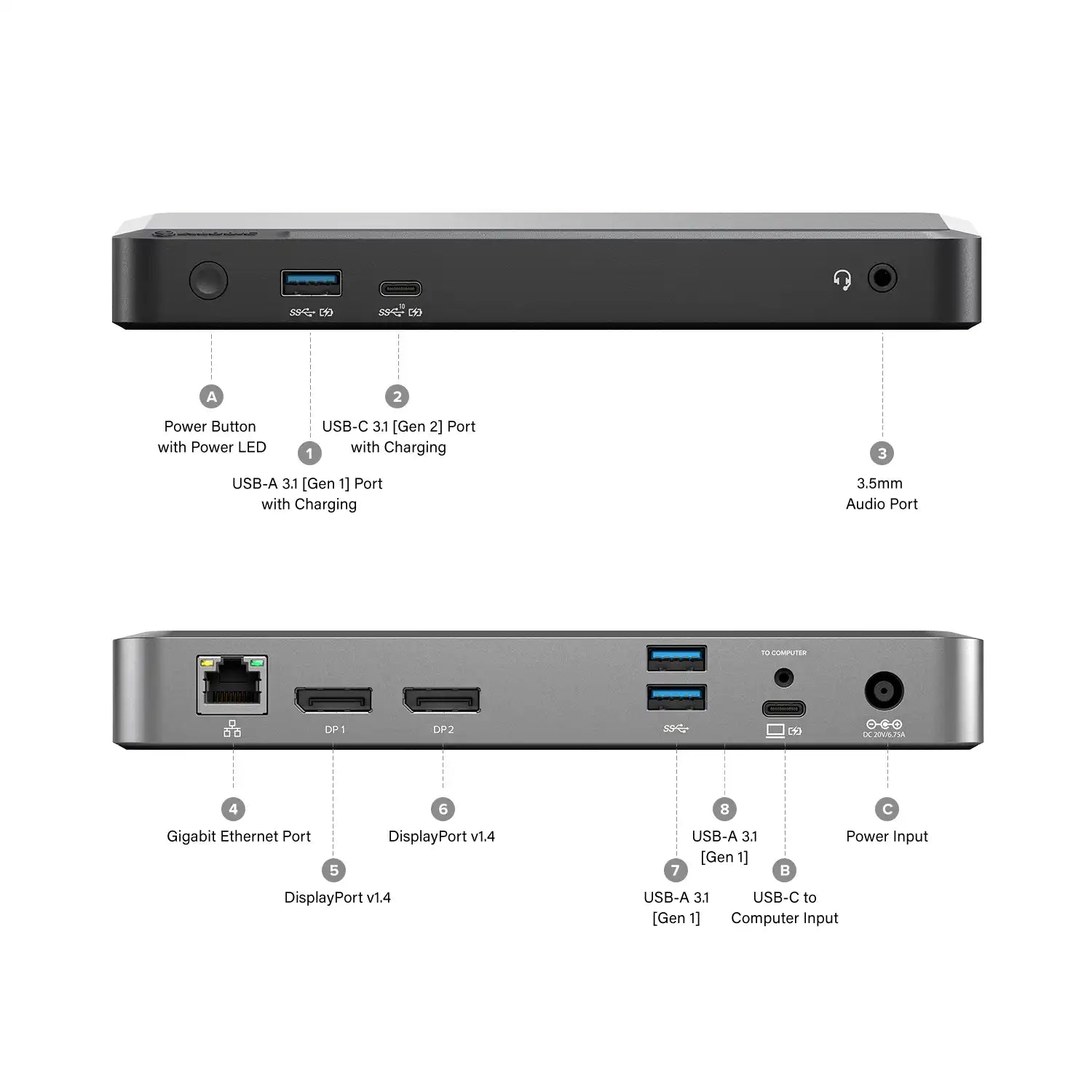
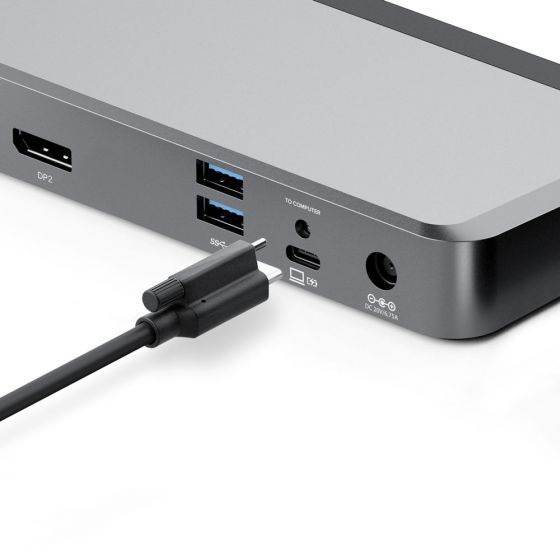
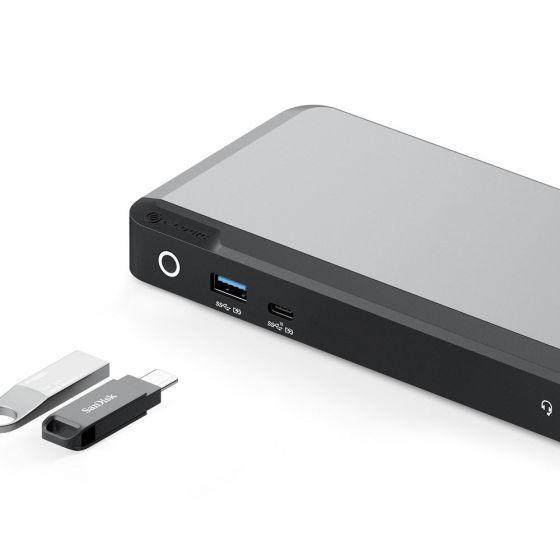
ALOGIC DX2 ドックは、7 つの重要なワークステーション接続を提供します。
ビデオ出力: DisplayPort 1.4 x 2 (デュアル 4K @ 60Hz)。
USBポート: USB-C 3.2 Gen 2 (10Gbps) x 1、USB-A 3.2 Gen 2 (10Gbps) x 1、および USB-A 3.2 Gen 1 (5Gbps) x 2。
ネットワーキングとオーディオ: RJ45 ギガビット イーサネット ポート (1Gbps) x 1 および 3.5 mm コンボ オーディオ ジャック x 1。
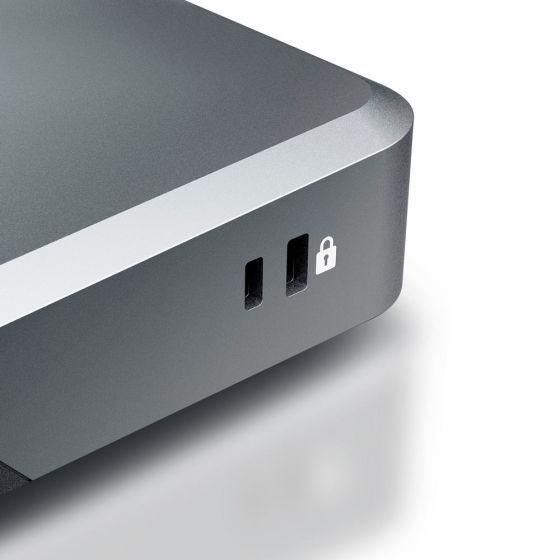
セキュリティ: 物理的なデスクのセキュリティのための統合されたケンジントン ロック スロット。
ビデオ出力: DisplayPort 1.4 x 2 (デュアル 4K @ 60Hz)。
USBポート: USB-C 3.2 Gen 2 (10Gbps) x 1、USB-A 3.2 Gen 2 (10Gbps) x 1、および USB-A 3.2 Gen 1 (5Gbps) x 2。
ネットワーキングとオーディオ: RJ45 ギガビット イーサネット ポート (1Gbps) x 1 および 3.5 mm コンボ オーディオ ジャック x 1。
セキュリティ: 物理的なデスクのセキュリティのための統合されたケンジントン ロック スロット。
