JAPAN
JAPAN
 USA
USA Canada
 Australia
 New Zealand
 UK
UK Europe
 India
India Singapore
 UAE
UAE South Korea
USB-C デュアル 4K ディスプレイ ドック - MX2 Lite HDMI エディション


USB-C デュアル 4K ディスプレイ ドック - MX2 Lite HDMI エディション
USB-C デュアル 4K ディスプレイ ドック - MX2 Lite HDMI エディション
通常価格
¥16,499
販売価格
¥16,499
通常価格
受け取り可能状況を読み込めませんでした
仕様
仕様

ワークスペースを強化する10の方法
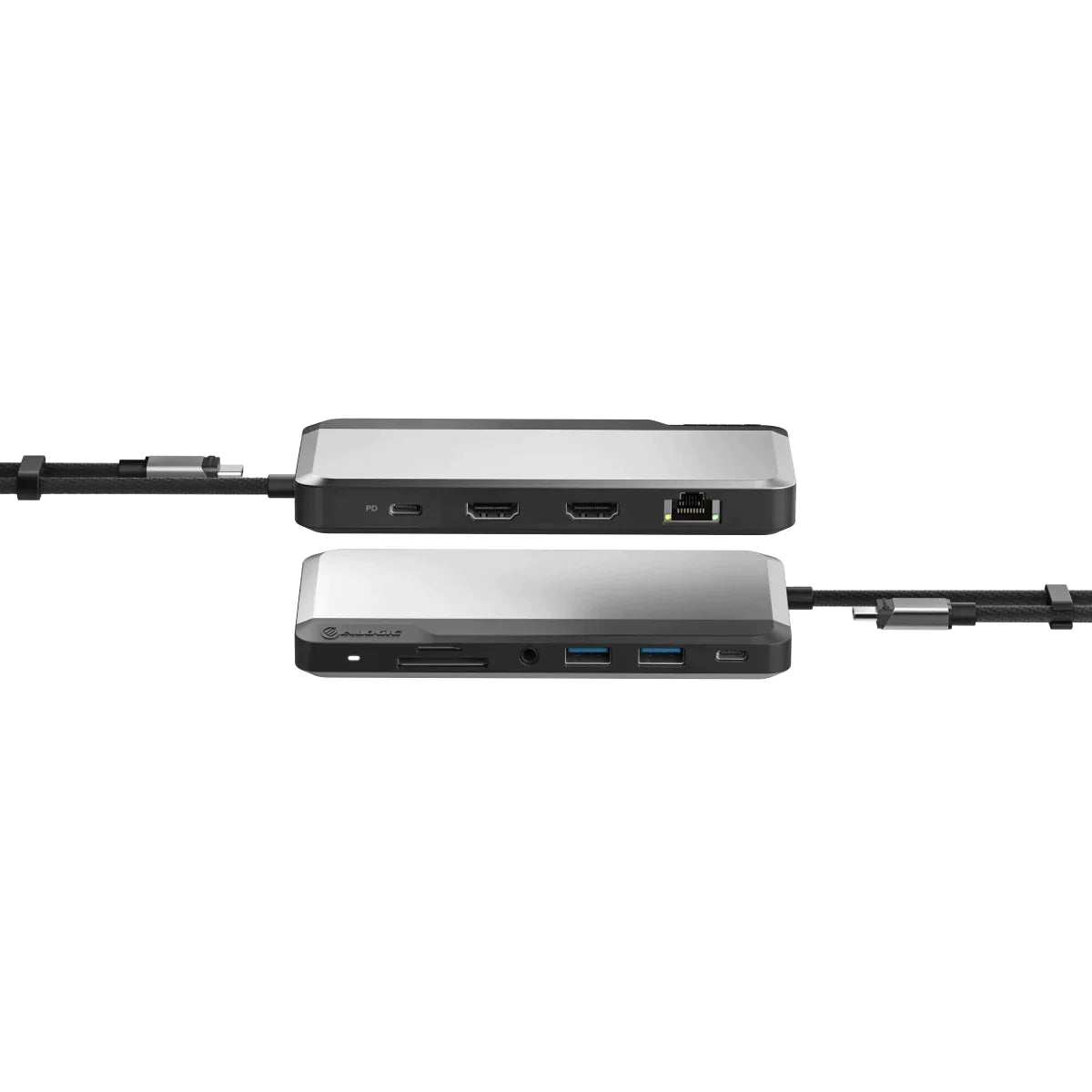
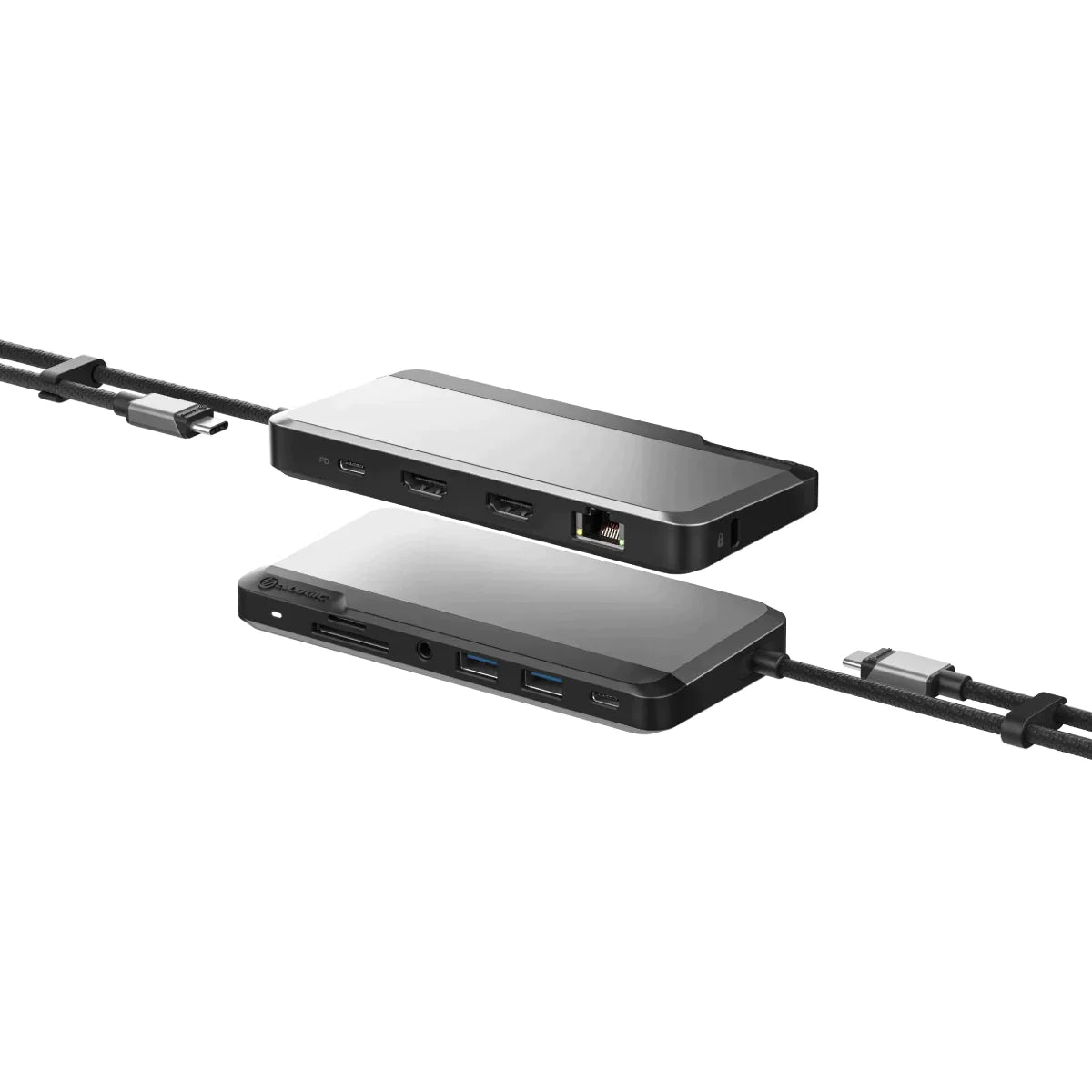
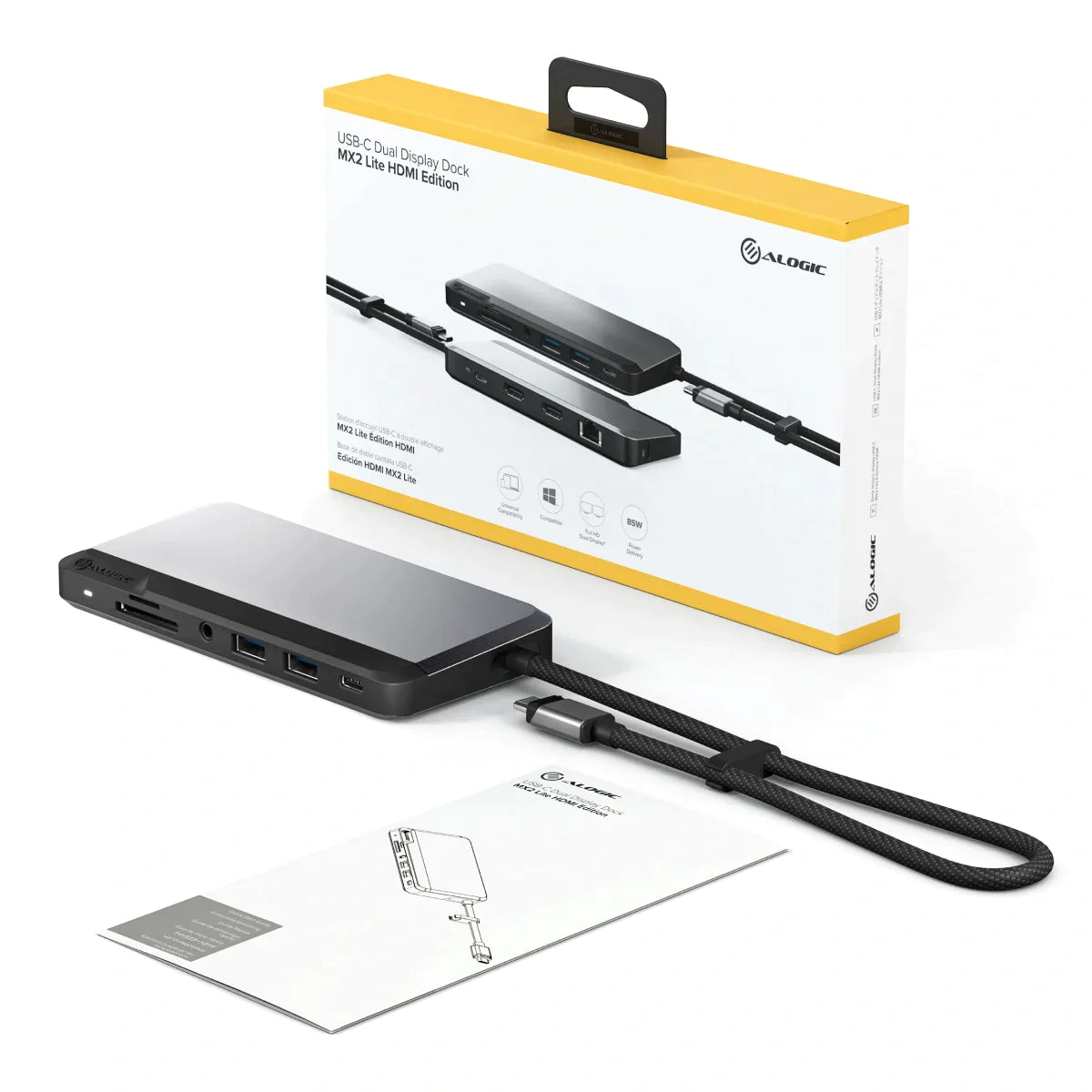
より良い机のためのポート。多くの最新のラップトップは、専門家がデスクに必須のUSBアクセサリとディスプレイを接続するために必要なポートを欠いています。デスクに9ポートのMX2を使用すると、マルチスクリーンアクティビティのために2つの手付かずのHDMI対応コンピューターモニターを接続できます。キーボード、マウス、プリンター、電話など、すべての標準IT周辺機器を実行できます。 SDおよびMicroSDカードからファイルを転送します。ビデオ会議などのアクティビティに信頼できる接続が必要なときに、作業中にヘッドフォンでオーディオを再生し、イーサネットに接続します。

集中作業用のデュアル4K
4Kではより明確です。MX2は、Windowsラップトップとデスクトップにデュアル4K [@60Hz]ディスプレイ用の2つのHDMIPORTSを備えています。 MX2ユーザーは、画像の編集やデザイン、レイアウト作業などの視覚的に詳細なタスクについて、シャープな表示解像度も恩恵を受けます。 *ダウンロードの下で利用可能な製品スペックシートの解像度サポートテーブルを参照してください。解像度とビデオ出力の詳細については、コンピューターが可能です。

ヘビー級のパフォーマンスのためのフェザー級ドック
ポート。力。移植性。 MX2の重量はわずか138グラムで、携帯電話よりも少ないスペースを占有しています。プレミアムメタルアロイケーシングを備えた保証担当ドックは、自宅、オフィス、外出先での任意のドックを必要とする世帯にとって賢明な選択肢です。


Frequently Asked Questions
一般的な
ALOGIC MX2 Lite HDMI Edition は最大どれくらいのビデオ解像度をサポートしますか?
DP 1.4 Alt Mode をサポートする Windows ラップトップでは、ALOGIC MX2 Lite HDMI Edition は、ツイン HDMI 2.0 ポートを介してデュアル拡張 4K @ 60Hz ディスプレイをサポートします。 macOS ラップトップでは、単一の拡張 4K @ 60Hz ディスプレイをサポートします (ネイティブ macOS MST 制限により、2 台のモニターを接続すると、出力が両方の外部ディスプレイにミラーリングされます)。
ALOGIC MX2 Lite HDMI ドックを使用するには、ソフトウェアやドライバーをインストールする必要がありますか?
いいえ、ALOGIC MX2 Lite HDMI ドックはネイティブの DisplayPort 代替モード (DP Alt Mode) テクノロジーに依存しており、完全にドライバーレスでプラグ アンド プレイになります。ドックをラップトップの USB-C または Thunderbolt 3/4 ポートに接続するだけで、すぐにビデオが出力され、接続された周辺機器が認識されます。
ALOGIC MX2 Liteには電源が付属していますか?ラップトップを充電できますか?
MX2 Lite は、電源ブリックを必要とせずに、旅行用のコンパクトなバスパワー駆動のハブとして動作します。ノートパソコンを充電するには、ノートパソコンの純正 USB-C 充電器または USB-C PD 電源アダプタ (最大 100W) をドックの専用 USB-C PD 入力ポートに接続します。ドックは、接続されているアクセサリへの電力供給に 15 W を使用し、最大 85 W の電力供給をコンピュータに供給します。
MX2 Lite ドックを使用するにはラップトップでどのタイプのポートが必要ですか?
ホスト ラップトップは、ビデオ送信用の DisplayPort 代替モード (DP Alt モード) およびラップトップのパススルー充電用の USB Power Delivery (USB PD) をサポートする USB-C または Thunderbolt 3/4/USB4 ポートを備えている必要があります。従来の USB-A ポートとは互換性がありません。
ALOGIC MX2 Lite HDMI ドックはベースの M1、M2、および M3 MacBook で動作しますか?
はい。 Apple Silicon MacBook と完全にプラグアンドプレイ互換性があります。ただし、MX2 Lite は (DisplayLink ではなく) ネイティブ USB-C DP Alt モードを使用するため、ベースの M1、M2、および M3 MacBook は 1 台の外部 4K ディスプレイに出力します。基本 M1/M2/M3 MacBook でデュアル拡張ディスプレイを必要とするユーザーには、ALOGIC は CH2 HDMI Edition や DX2 などの DisplayLink ベースのドックを推奨します。
ALOGIC MX2 Standard バージョンと MX2 Lite バージョンの主な違いは何ですか?
ALOGIC MX2 Lite は、パススルー PD 充電 (最大 85W パススルー) を備えたバスパワー駆動の、より合理化されたコンパクトなデスクトップ/トラベル ドックとして設計されています。標準の MX2 には、ボックス内に完全な外部電源アダプタ (100 W の直接 PD を供給) と拡張された USB-A ポートが含まれています。